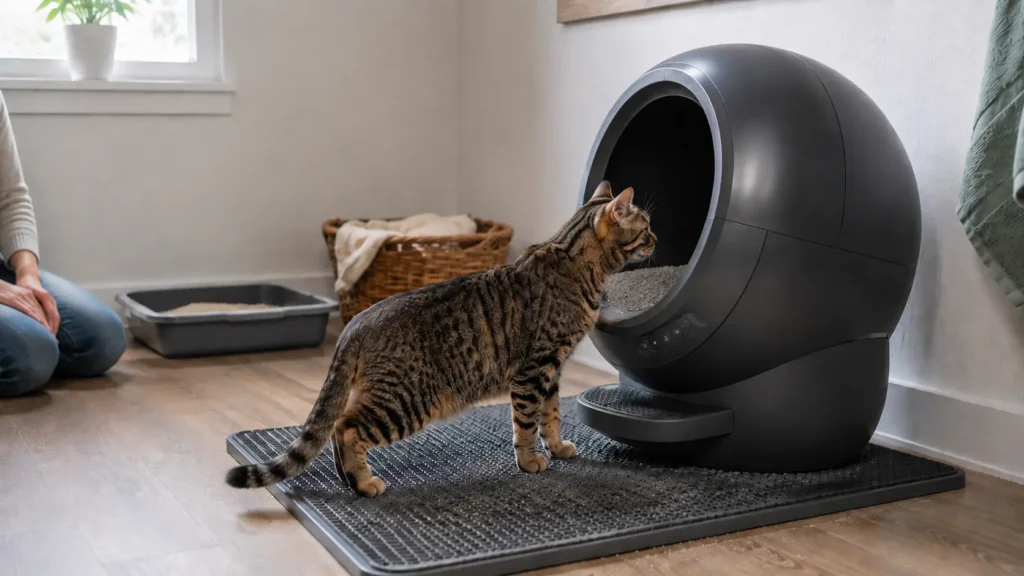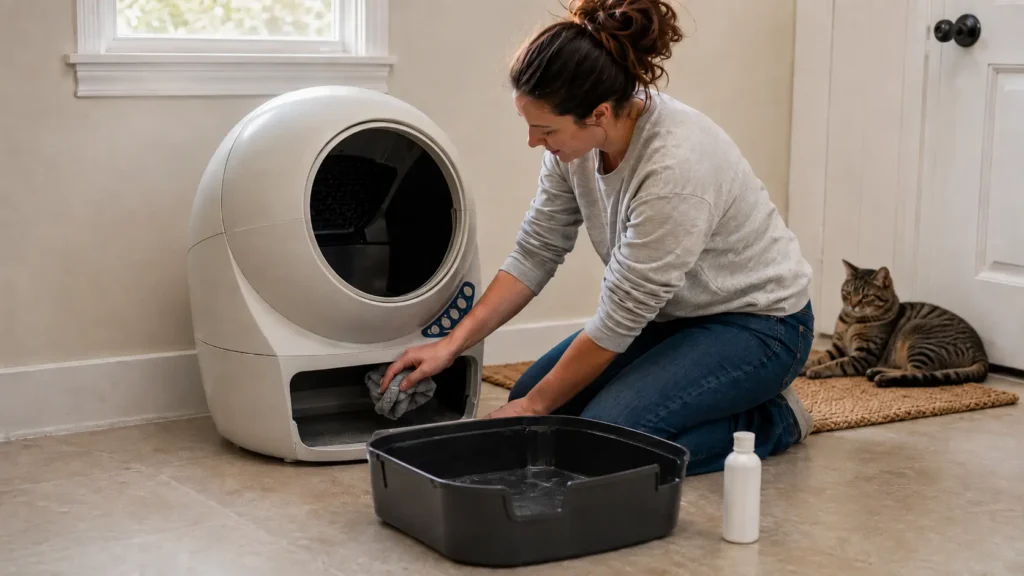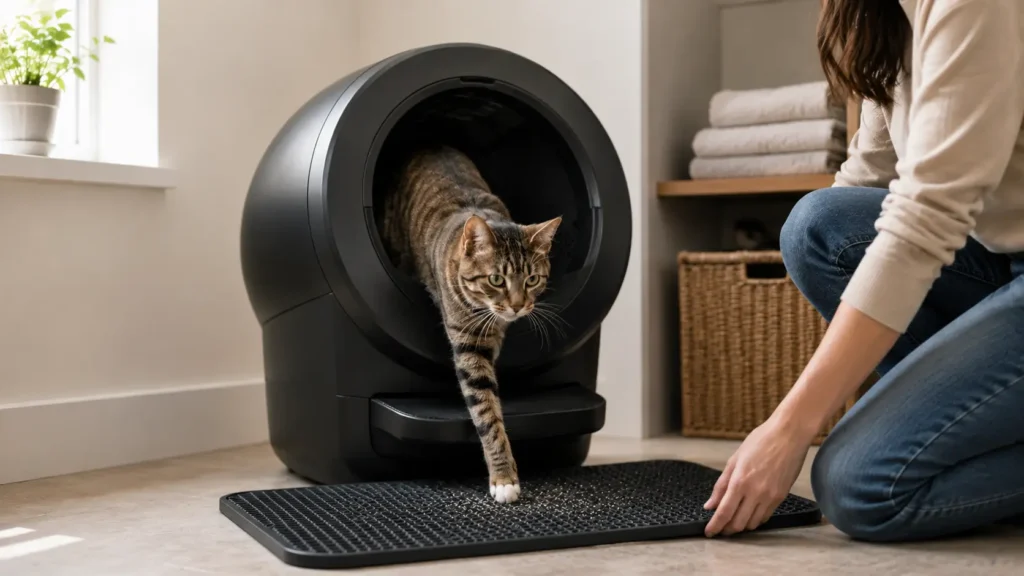
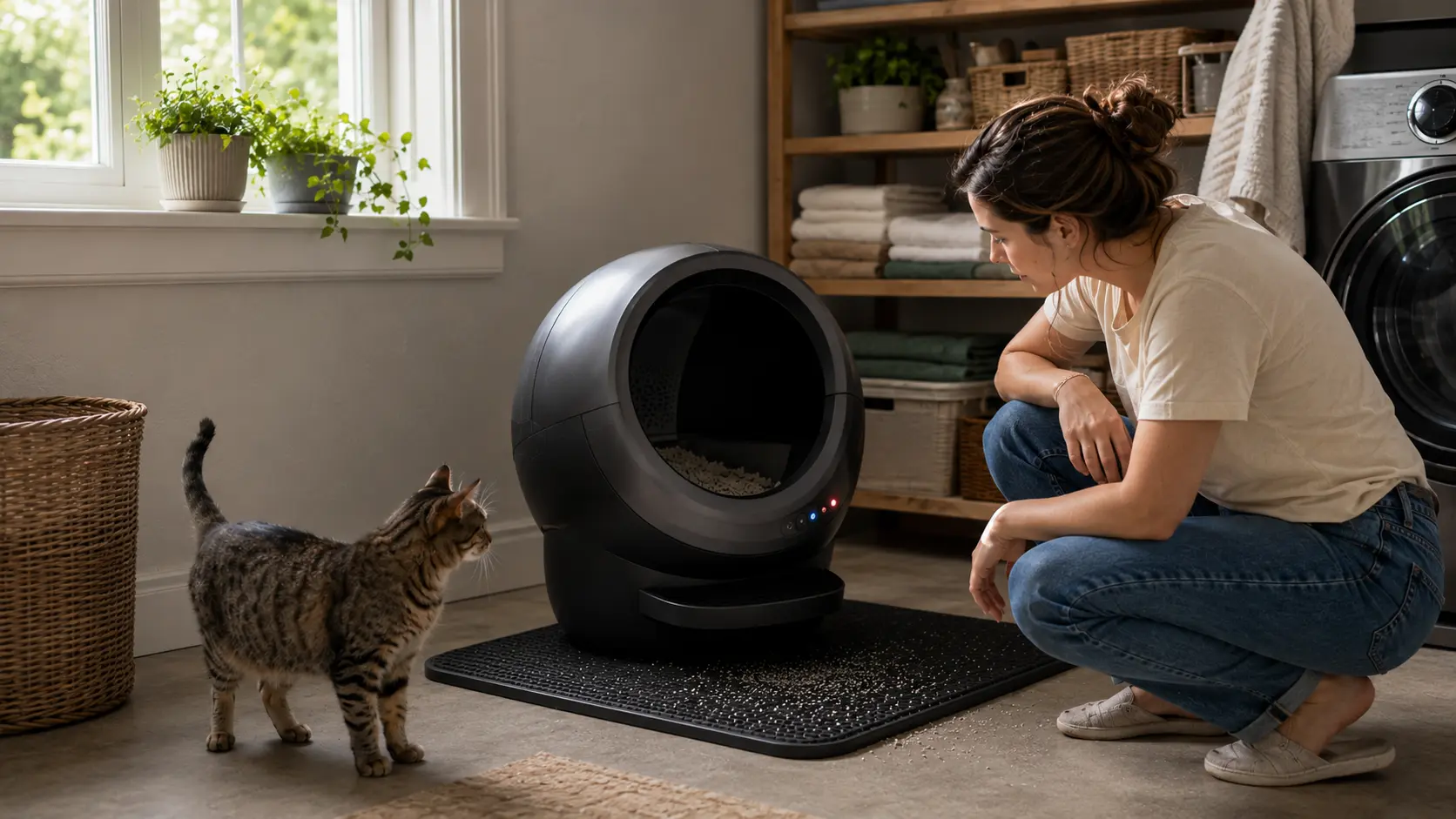
When a Litter-Robot is not cycling, the cause may be as simple as an active cycle delay, sleep mode, too much litter, or incorrect placement. Other cases involve dirty sensors, a pinch-detect warning, an obstruction, incorrect globe positioning, or a motor-related fault.
Start by identifying what the unit actually does: Does it cycle manually? Does it stop halfway? Does it keep pausing? Then check the light pattern, display message, or Whisker app notification for your specific model.
Check your model first: Litter-Robot 3, 4, 5/5 Pro, and EVO use different buttons, lights, sensors, and error messages. Do not follow reset instructions written for another model.
Safety note: Stop automatic operation and provide a clean backup litter box if the globe moves unpredictably, repeatedly stops in an unsafe position, or continues showing a safety fault. Never bypass, tape, bend, disconnect, or disable a cat-detection or anti-pinch system.
First, Confirm That the Litter-Robot Is Actually Stuck
A delayed cycle does not always mean something is broken.
Wait for the selected cycle delay
After your cat leaves, the unit normally waits for the selected delay before beginning a clean cycle. Check the Whisker app, control panel, or display to confirm the current setting.
Do not press several buttons during this period. Repeated inputs can make it harder to understand what the machine was waiting for.
Check whether sleep mode is active
Sleep mode allows the unit to detect visits without running an immediate clean cycle during the scheduled sleep period. On supported models, the delayed cleaning cycle should run after sleep mode ends.
Whisker lists cycle-delay settings and sleep mode among the first checks for LR4, LR5, and EVO units that appear not to be cycling.
Make sure your cat has left the area
A cat returning to the globe, stepping on the base, or investigating the machine may restart a wait period or interrupt movement.
Keep pets away while you perform a controlled test. This helps you distinguish a real error from normal safety detection.
Read the warning before resetting anything
Check the light bar, LCD screen, and Whisker app. Record the exact color pattern or message before pressing Reset, Cancel, or Cycle.
A message such as Cycle Interrupted, Extended Scale Activity, Pinch Bar Fault, or Motor Fault points to a more specific troubleshooting path.
Quick Diagnosis Based on What the Robot Does
It cycles manually but not automatically
This usually points toward the detection system rather than a globe that cannot move at all.
Check:
- Cycle-delay and sleep-mode settings
- Whether the unit detects your cat
- Scale calibration
- Placement on the floor
- Litter level
- Dust or fur near the sensors
If you have a very small kitten, also check the model’s minimum weight for automatic operation. Whisker says cats should weigh at least 3 pounds for Litter-Robot 4, Litter-Robot 5/5 Pro, and EVO, while Litter-Robot 3 requires at least 5 pounds. Below that threshold, follow Whisker’s semi-automatic guidance rather than relying on automatic cat detection.
A manual cycle working successfully does not prove every sensor is working correctly. It only shows that the unit can complete a cycle under manual control.
It does not cycle manually or automatically
Look for:
- Loss of power
- An active safety or pinch warning
- An incorrectly seated globe or bonnet
- A visible obstruction
- A full or incorrectly installed drawer
- A motor or position fault
Do not continue restarting the unit if the same serious error immediately returns.
It starts cycling but stops halfway
A Litter-Robot stuck mid cycle may have detected movement, extra weight, an obstruction, a pinch condition, or resistance during globe rotation.
Observe whether it always stops in the same place. A repeated stopping point can be useful information for Whisker support.
It repeatedly pauses and resumes
A unit that pauses briefly may be responding normally to detected movement. Repeated false interruptions, however, can result from sensor contamination, unstable placement, excess litter, or something touching the base.
Check whether a mat, cord, wall, or piece of furniture is affecting the unit before assuming an electronic component has failed.
How We Researched This Guide
This guide uses a symptom-first structure: identify what the unit does, complete the basic checks, and then follow the section for the correct model. That approach is designed to help owners avoid mixing instructions for LR3, LR4, LR5/5 Pro, and EVO.
We reviewed current model-specific Whisker support information for cycle interruptions, scale activity, pinch detection, globe positioning, and motor warnings. Community discussions were used only to identify recurring ways owners describe these problems—not as proof that an unofficial repair works.
LumaPaw has not physically inspected your machine. Persistent or unclear hardware faults require diagnosis from Whisker.
Basic Checks to Try on Any Litter-Robot
Complete these checks before taking apart the machine or assuming a sensor has failed.
Empty and reinstall the waste drawer
Remove the waste drawer and empty it. Make sure the liner is fitted neatly and does not project into the waste opening or another moving area.
Slide the drawer fully back into place. Then check whether the drawer reading, light, or display message changes.
An empty drawer will not clear every fault, but it removes one common cause from the diagnosis.
Keep litter at or below the fill line
Too much litter adds weight and may interfere with normal scale readings or globe movement. If the Litter-Robot stopped cycling after adding litter, remove anything above the marked fill line.
Also look for loose litter around the drawer, base, globe track, or waste opening.
Whisker specifically lists excess litter and additional weight among the possible causes of interrupted operation on LR4, LR5, and EVO.
Check the floor and surrounding area
The unit needs stable placement for accurate weight detection.
Make sure:
- A litter mat is completely in front, not partly underneath.
- No power cord runs beneath the base.
- The feet are not resting on grout lines or raised edges.
- Litter is not packed around the feet.
- The unit is not touching a wall or furniture.
- The floor is firm and level.
Whisker’s LR5 and EVO guidance says all four feet should move freely and should not rest on cords or uneven flooring.
Check the globe, bonnet, and visible moving areas
Confirm that the globe is seated normally and that the bonnet or cover is fully attached.
Look for visible clumps, plastic, liner material, loose filter covers, or other objects that could restrict rotation. Do not reach into moving areas while the unit is powered.
Run one controlled test cycle
Keep your cat away from the machine.
Start one manual clean cycle using the controls for your model. Watch:
- Whether the globe begins moving
- Where it stops
- Whether it reverses
- Which light or message appears
- Whether it returns to the Home position
One observed test is more useful than repeatedly unplugging and restarting the machine without recording what changes.
What Does “Litter-Robot Pinch Detect” Mean?
A Litter-Robot pinch-detect warning means the safety system has detected possible resistance or contact near the waste-opening or pinch-bar area.
The machine may stop or reverse movement to reduce the risk of trapping a pet or object. A pinch warning does not automatically mean the sensor is defective; litter clumps, plastic, debris, or displaced material may be activating it.
Litter-Robot 3 pinch warning
On LR3, a rapidly flashing yellow light—about four flashes per second—indicates that the Anti-Pinch safety feature interrupted the cycle. Whisker says the globe stops and temporarily reverses when a possible pinch condition is detected.
Do not confuse this with a slowly flashing yellow light. Slow flashing can indicate a cat-sensor interruption or a bonnet-related problem.
Follow the current LR3 pinch-sensor instructions for inspection. Do not apply LR4 sensor locations or light patterns to an LR3.
Litter-Robot 4 pinch-detect warning
A green-and-white alternating light bar is a different LR4 anti-pinch fault associated with startup. If you see that pattern rather than yellow ping-pong, use Whisker’s current LR4 light-code troubleshooting instructions.
On LR4, a yellow ping-pong pattern indicates that the anti-pinch sensors have activated.
Whisker says the LR4 may stop, retract briefly, and retry the cycle. After repeated unsuccessful attempts, it can remain stopped until the error is cleared or the unit is power-cycled. Whisker first recommends checking the waste drawer for foreign objects, followed by a controlled test cycle.
If further inspection requires removing the bonnet or globe, turn the unit off and unplug it first, following the official procedure.
Litter-Robot 5 and 5 Pro safety messages
LR5 and 5 Pro may display Safety Bar Disconnect or Pinch Bar Fault with a red warning.
If the message appears immediately when the machine powers on, Whisker advises contacting support. If it appears after previously normal operation, check the drawer and visible pinch-bar area for litter, plastic, clumps, or displaced seal strips before running another test.
Never bypass the safety system
Do not bend, tape, disconnect, or modify the pinch system to keep the unit cycling.
A bypass may hide the warning without removing the obstruction or fault that caused it. If the alert remains after the approved checks, stop automatic operation and contact Whisker.
Litter-Robot 4 Not Cycling
The LR4 light bar gives useful clues about why the unit has not started or completed a cycle.
Solid red after cat detection
A solid red light can mean the unit has detected a cat or weight and is waiting through the selected delay.
The LR4 default delay is seven minutes, although the setting can be changed. If the red state continues well beyond the expected delay, check litter level, placement, and whether something continues pressing against the unit.
Alternating red and blue
An alternating red-and-blue light points toward the LR4 curtain sensors. Dust or fur around the bezel can affect litter-level, drawer-level, and cat-detection readings.
Use only the dry external cleaning method in Whisker’s current sensor instructions. Do not spray liquid into the sensor openings.
Yellow ping-pong pattern
This is the LR4 pinch-detect warning. Check the drawer and waste-opening area, then follow the pinch section above.
Red with partial yellow flashing
This indicates an over-torque condition. Remove litter above the fill line and check for resistance, clumps, or incorrectly seated components.
Do not keep forcing repeated cycles if the globe struggles or stops at the same point.
Alternating blue and white
Whisker identifies alternating blue and white as a motor-connection fault that affects globe rotation. If the warning remains, use the official LR4 motor troubleshooting path or contact support rather than opening the motor area without the required instructions.
Litter-Robot 3 Not Cycling
LR3 uses older light patterns and sensor arrangements, so the speed of a flashing yellow light matters.
Slowly flashing yellow
A slowly flashing yellow light can indicate that a cycle was interrupted by the cat sensor or that the bonnet was removed.
Whisker recommends pressing Reset to resume the cycle. If the machine does not return Home with a solid blue light, continue with the cat-sensor and bonnet checks.
Confirm that the unit is on a firm surface, not on a mat or carpet that affects movement, and not touching a wall or cord.
Rapidly flashing yellow
A rapidly flashing yellow light points to the LR3 anti-pinch system. Follow the LR3 pinch procedure rather than the LR4 yellow ping-pong instructions.
Manual cycling works, but automatic cycling does not
Check whether the cat sensor registers a visit. Placement, scale calibration, and accumulated weight inside the globe may affect detection.
Whisker also notes that internal buildup can contribute to weight-related LR3 errors, but a complete Litter-Robot 3 cleaning process belongs in our dedicated maintenance guide rather than being attempted during every minor interruption.
Litter-Robot 5 or 5 Pro Not Cycling
LR5 and 5 Pro use LCD messages and the Cancel button, so avoid applying LR4 Reset-button instructions.
Cat Detected or Cycle Interrupted
This means the unit has detected presence or movement. Make sure no cat or object remains inside or near the globe.
If the warning appears without an obvious cause, inspect the curtain-sensor area for dust, fur, or debris.
Extended Scale Activity or Overloaded Globe
Extended Scale Activity means the scale has been continuously triggered for more than 30 minutes.
Check for excess litter, something pressing on the unit, an uneven surface, or a mat or cord beneath the base. After changing litter weight, emptying the drawer, cleaning, or moving the unit, Whisker says to short-press Cancel to zero the SmartScale.
Safety Bar Disconnect or Pinch Bar Fault
Remove visible debris around the drawer and waste opening. If the message appears immediately at startup or remains after correct reassembly and a test cycle, contact Whisker.
Motor Fault
A Motor Fault affects globe rotation. Check for visible obstruction, confirm the unit has stable power, and verify that firmware is current.
Do not open or replace the motor based only on a general article.
Position Fault
A Position Fault means the unit did not correctly track the globe during the previous cycle. Too much litter can slow rotation, while an incorrectly seated globe, filter cover, seal strip, or debris around the globe track can interfere with movement.
If the fault returns after the globe is correctly seated and one test cycle is attempted, Whisker recommends further support.
Litter-Robot EVO Not Cycling
EVO uses the Cancel button and its own LCD or app messages.
The default cycle delay is seven minutes. A blinking green status means cat detection is active, and the machine should wait until the cat leaves and the delay expires before cycling.
For an Extended Scale Activity or Overloaded Globe message:
- Remove litter above the fill line.
- Make sure the machine is not on a mat, cord, grout line, or uneven surface.
- Short-press Cancel from the Home position to zero the scale.
- Run one controlled test.
If EVO shows a Globe Position fault, check that the globe sits flush in the rear bearing area and that its gear track engages correctly. A persistent Motor Fault or Position fault requires Whisker support.
Why It May Stop Cycling After You Add or Change Litter
Timing is a useful clue. If the problem began immediately after refilling the globe, first remove litter above the fill line.
A heavier litter may change the load on the scale and motor. Dust can also collect near sensors or moving areas. These possibilities do not prove that the litter itself is incompatible, but they are worth checking before diagnosing a hardware failure.
For help choosing an appropriate material and maintaining a sensible fill level, see LumaPaw’s guide to compatible litter for Litter-Robot.
Pale or translucent crystal litter may affect some optical litter-level and drawer readings. Readers using crystals can also review our guide to automatic boxes that work with PrettyLitter.
If the issue began after adding an automatic refill accessory, verify its installation and calibration. Our LitterHopper setup and ownership review covers that accessory separately.
Why It May Stop Cycling After Cleaning or Moving the Unit
A problem that starts immediately after maintenance often points to placement or reassembly.
Check that:
- The globe is correctly seated.
- The bonnet is fully attached.
- The drawer is inserted correctly.
- No liner or seal strip projects into the waste opening.
- No loose litter entered the globe track or base.
- A mat or cord was not moved beneath the machine.
- The scale was reset after changing the unit’s weight or position.
- Washed components were fully dry before the unit was powered.
Keep this check focused on the current fault. Full disassembly, washing, drying, and routine sensor care should be handled in a separate cleaning guide.
What If It Still Pauses After You Clean the Sensors?
Cleaning the sensors is not a guaranteed fix.
If sensor cleaning did not help, recheck the remaining mechanical and placement variables before assuming a component has failed:
- Reduce litter to the marked fill line.
- Empty and reinstall the drawer.
- Move the mat completely in front.
- Remove cords or debris from beneath the base.
- Leave space around the sides.
- Confirm that all feet sit evenly.
- Reseat the globe and bonnet.
- Check whether the warning changes during a test cycle.
- Confirm current firmware through the Whisker app.
If the Litter-Robot keeps pausing at the same place after these checks, record a short video from a safe distance. Do not identify the motor, base, or sensor board as defective without manufacturer diagnosis.
Safety and Troubleshooting Checklist
Before running another test:
- Confirm the exact model.
- Record the current light or display message.
- Keep your cat away from the machine.
- Provide a clean backup litter box.
- Keep litter at or below the fill line.
- Remove visible obstructions.
- Check that the unit is level and unobstructed.
- Unplug before removing major components when official instructions require it.
- Reinstall all covers and required parts before testing.
- Never bypass a pinch, scale, curtain, or cat-detection sensor.
- Stop if the globe moves unpredictably.
- Stop if the same safety or motor warning immediately returns.
- Do not use repeated power cycles as a substitute for diagnosis.
- Avoid unverified forum modifications.
What to Do When the Standard Fixes Do Not Work
A temporary recovery after unplugging does not mean the underlying problem is fixed. If the same warning returns, stop repeating resets and prepare useful information for support.
Record:
- Model and serial number
- Light pattern or LCD message
- Whisker app notification
- Whether manual cycling works
- Where the globe stops
- Whether the problem began after cleaning, moving, refilling, or adding an accessory
- Which troubleshooting steps you completed
- A short video, when it is safe to record one
Check current warranty or service eligibility directly with Whisker. Persistent pinch, motor, scale-calibration, board, or globe-position faults may require parts or manufacturer diagnosis.
Readers still deciding whether the maintenance and occasional troubleshooting fit their household can review our guide to long-term Litter-Robot ownership and reliability.
Frequently Asked Questions
Why is my Litter-Robot not cycling after my cat uses it?
The unit may still be waiting through its cycle delay, be in sleep mode, or continue detecting weight or movement. Check the current status before resetting it. If a manual cycle works but automatic cycling does not, inspect placement, scale calibration, litter level, and cat-detection sensors.
Why is my Litter-Robot 4 not cycling?
Common LR4 causes include a full drawer, sleep mode, litter above the fill line, uneven placement, dirty curtain sensors, a pinch-detect warning, or a motor-related fault. Read the light-bar pattern first because different colors require different checks.
Why is my Litter-Robot not automatically cycling?
When manual cycling works, the likely issue is usually connected to automatic detection, settings, scale calibration, or placement. Confirm that sleep mode is off, the delay has passed, the machine detects your cat, and nothing is touching or supporting the base.
Why is my robot litter box not cycling after I added litter?
You may have filled the globe above the marked line or changed the weight enough to affect the scale. Remove excess litter, clear loose particles around the base and track, reset the scale using the correct model controls, and run one test cycle.
Can too much litter stop a cleaning cycle?
Yes. Excess litter adds load and may affect scale readings or globe movement. Remove litter above the fill line before testing again.
What does pinch detect mean on a Litter-Robot?
It means the machine’s safety system detected possible contact or resistance near the pinch area. Remove visible debris using the official instructions for your model. Never disable the sensor to keep the unit operating.
Will unplugging a Litter-Robot reset it?
Power cycling may clear a temporary state, but it will not repair persistent sensor contamination, incorrect placement, obstruction, motor trouble, or a safety fault. Record the warning before unplugging so useful diagnostic information is not lost.
When should I contact Whisker?
Contact Whisker when a pinch or motor warning returns immediately, the globe moves abnormally, a Position Fault remains after correct reassembly, the unit cannot complete one controlled cycle, or the official model-specific steps do not clear the error.
Final Troubleshooting Verdict
When a Litter-Robot is not cycling, start with the simple causes: wait through the selected delay, check sleep mode, test manual cycling, correct the litter level, empty the drawer, and make sure the unit sits level without touching a mat, cord, wall, or furniture.
Next, record the exact warning and follow the instructions for your model. Stop automatic use if a pinch, motor, or other safety fault continues.
For a broader comparison of cleaning systems, maintenance needs, and reliability, see LumaPaw’s guide to automatic self-cleaning litter boxes.